Kuulutus ei ole aktiivne
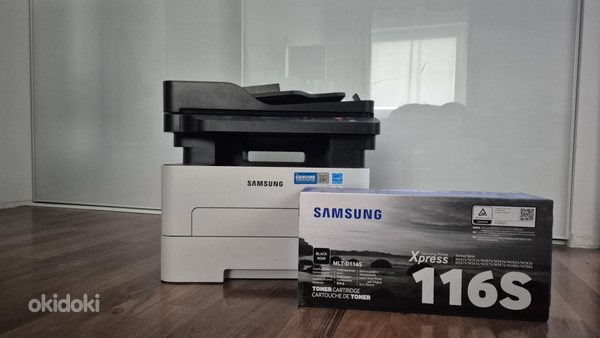
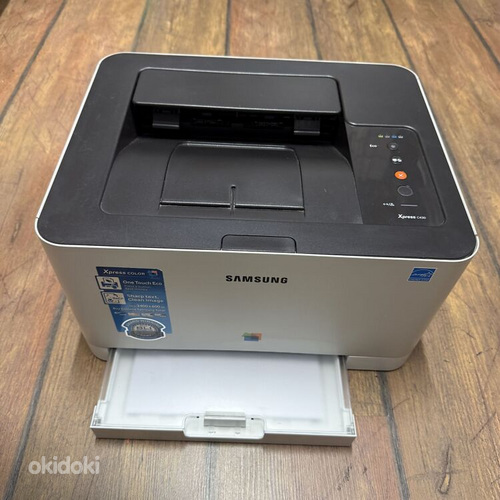
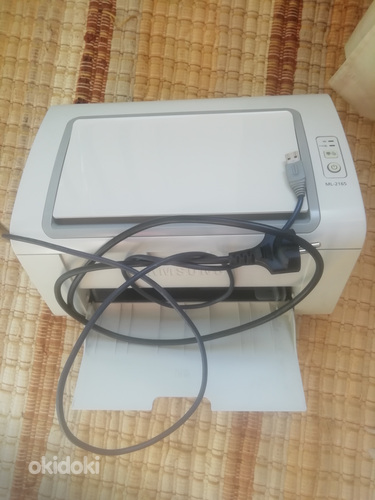
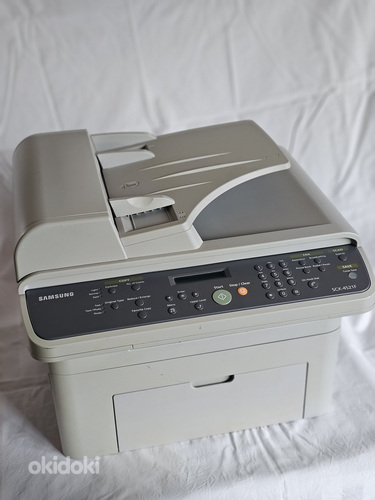
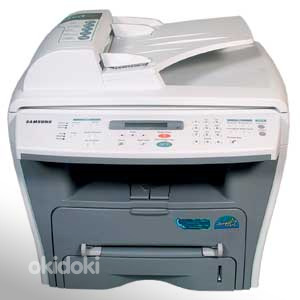
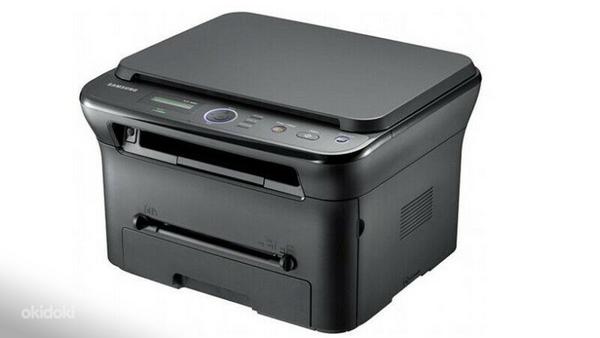
Samsung Xpress M2825ND
Hind määramata
0EUR
1
Samsung Xpress M2825ND

- Reio
- Kasutaja alates oktoobrist 2023
- 0 kuulutust
-
Jälgi
Kirjeldus
Print fast, don’t wait
However demanding your professional printing needs, a Samsung Xpress M2825ND Series gives you great results – fast. Save time by printing even complex documents at speeds of up to 28 pages per minute (PPM) thanks to a powerful 600MHz processor and 128MB of memory. With the Cortex-A5 Core, it’s up to 25.6% faster than earlier models, making it one of the fastest printers in its class. That means it helps you to work faster, be more flexible and more productive.
High-resolution printing
Even complex images and small text are delivered in fine, detailed prints, thanks to high-resolution print quality up to 4800 x 600dpi effective.
Edge enhancement
Enjoy clearer text and more vivid images thanks to edge enhancement, which gives them a far more polished and well-defined edge.
Print with more paper types for all kinds of uses
Whatever you need to print, your Samsung Xpress M2825ND Series can handle it. The small but robust printer can use a range of media up to 220 grams per square meter (gsm), including paper, labels, cards, envelopes and overhead projector (OHP) transparencies. You can easily select the paper type you need from the multipurpose (MP) tray, so it’s convenient as well as flexible.
Better for your budget and the planet
Businesses can decrease toner and paper costs simply with One-Touch Eco button Featuress that help companies limit the amount of resources needed to perform printing operations. One-Touch Eco button enables to employ N-up and duplex printing to print multiple document pages on a single sheet, skipping blank pages to reduce the amount of paper used. Toner save mode also reduces supply costs by decreasing toner use.
Cut energy and supply consumption
With Easy Eco Driver, you can make savings of up to 20% on toner and paper as well as reducing your energy usage. It helps you cut down on page elements that use high amounts of toner, such as images and bold type fonts, or lighten text so that less toner is required. You can preview and edit your documents before print-ing, to make sure that the output meets your needs in terms of efficiency and also quality. Eco Simulator also shows you the estimated reduction percentage of CO2, electricity, and paper, so you can see the difference for yourself.
Cut costs with Separated Toner System
With Samsung’s Separated Toner System, the toner cartridge and imaging unit are supplied separately. This means you only need to buy the toner cartridge when it’s empty, so the overall cost of running the printer – and the cost per page – is reduced. Installation is also easy, so you can spend less time maintaining your printer as well as less money. You can balance your budget as well as meet all your printing needs
Monitor and manage your printer easily
Samsung’s Easy Printer Manager lets you look after your printer’s settings, device status, supply ordering and faxing – all in one place. You can conveniently see error reports and monitor the status of your printer and its supplies, as well as manage settings remotely. It’s all provided in one single interface that brings together all your Samsung Printer’s settings and applications.
Duplex printing
Duplex printing, or printing on both sides of paper, helps ensure that a minimal amount of paper and toner are wasted. Eco Mode lets you make sure all documents use duplex printing, so you can use supplies more efficiently and reduce your impact on the environment.
Network connectivity
Connect your printer across many different PCs and other devices that are connected to a single router. With this arrangement, it’s possible for you to reduce the amount of money you spend on printing devices and energy consumption, yet be as productive as ever.
Printing Function
Resolution black 4800x600 DPI
Speed A4 black 28 Quantity (pages per minute)
Paper Formats A4, A5, A6, B5, Legal, Letter, Executive
Duplex Unit Yes
Emulation SPL, PCL5e, PCL6
Memory
installed 128 MB
Compartments
Paper 1 Compartment 250 Quantity (pages)
Output 1 Compartment 150 Quantity (pages)
Single Sheet Feeder Yes
Interfaces USB 2.0, RJ-45
Noise Level
Operating 50 dB
Stand-By 26 dB
Power Consumption
Operating 400 watt(s)
Stand-By 45 watt(s)
Compatible to Windows XP, Windows 2003 Server, Linux, MacOS X, Windows Vista 32-Bit, Windows 2008 Server, Windows 7 32-Bit, Windows 8 32-Bit
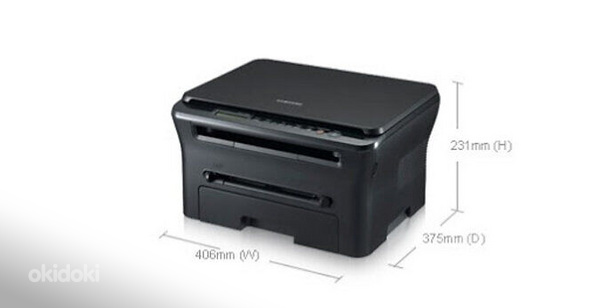
Product dimensions 368 x 202 x 335 mm
Weight 7.4 kg
Consumables Toner: MLT-D116S/ELS, MLT-D116L/ELS
Lisad
- SeisukordKasutatud
Asukoht
Harku, Harku vald, Harjumaa
Saadaval
- №12976086
- 09.12.2025
- Kokku: 426
0EUR
Küsi saadavust